
Streamline Your Consultations. Simplify Your Admin.
.The secure telemedicine and clinical management toolkit built for doctors in Malta. Effortlessly manage electronic health records, issue e-prescriptions, and conduct online consultations in one secure platform
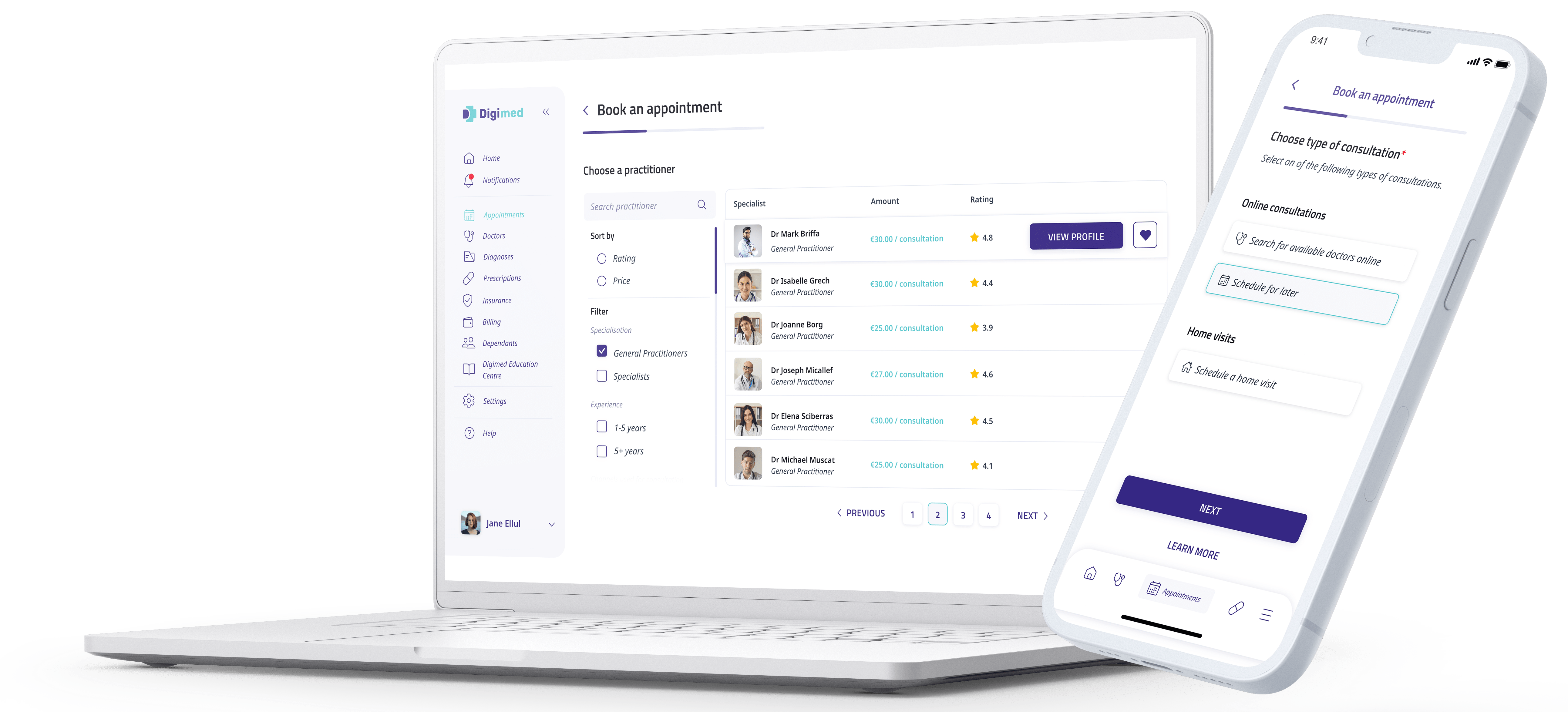


For Online Consultations and In-Clinic Care
Your Dedicated Clinical Workspace. All in One Place.
Digimed provides doctors in Malta a secure patient management system to register patients, create full consultation reports and keep medical histories organised for both online and in-clinic care.
Patient Health Profiles
Review the patient’s recorded details, allergies and health background, helping reduce repeated questions.
Existing Diagnoses
View diagnoses and treatment information already recorded on Digimed before or during the consultation.
Full Consultation Reports
Create structured reports to keep a clear record of each consultation
Connected Clinical Documents
Create electronic health records, prescriptions, referrals, medical notes and sick leave certificates from the consultation report.
How to Get Started with Digimed
From Registration to Your First Consultation
Create your doctor account, submit your professional documents for verification and complete your profile. Once approved, set your consultation fees and availability to begin offering online appointments.


Create an account
Start your digital journey with Digimed
Signing up is quick and easy, via website or by downloading smartphone application on Google Play or Apple App Store. Your account will be secured with multi-factor verification and authentication.
Complete your profile
Build your online presence to begin offering telemedicine services to your patients.
Digimed’s robust patient management system will support your in-clinic practice, offering you a consultation reporting & record-keeping system, referral forms, and e-prescription processes.
Digimed gives you a 360° view of your practice and your patients a 360° view of their healthcare!


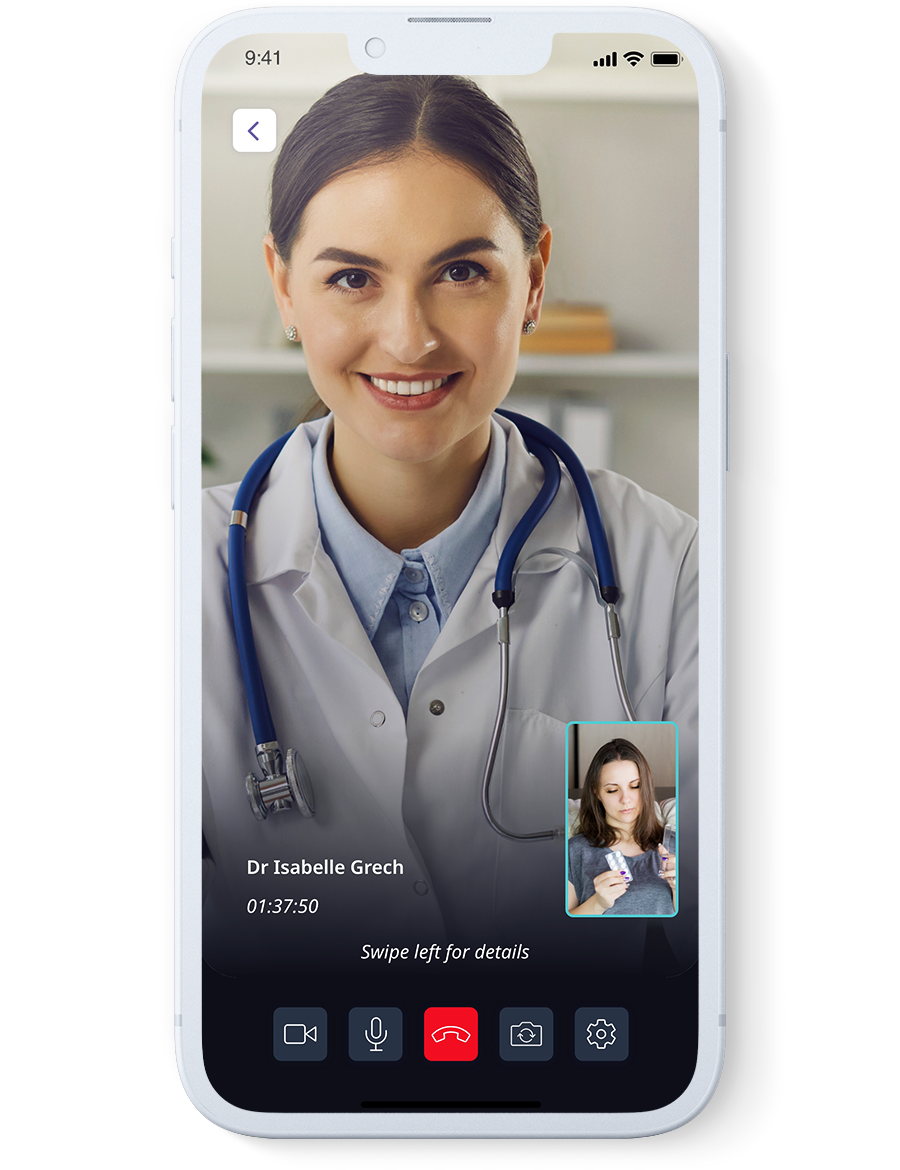


Start seeing patients
Once your account has been completed, you can immediately begin using Digimed’s Patient Management System and telemedicine features!
If you are offering telemedicine consultations, you will start receiving consultation requests based on your schedule.
Before each consultation, you will be able to review your patient’s existing Electronic Health Records as well as their Health Profile on Digimed.
Take advantage of Digimed’s secure communication platform – no more phone calls and text messages to discuss your patients’ medical issues.
Post consultation process
Manage your patients’ health records through the ‘Patient Management System’, improving your workflow and saving you enough time to see more patients.


Ready to get started with Digimed?
Create your account and complete the onboarding process to start using Digimed’s doctor platform
Features
Why use Digimed
Consultations and Availability
Your Consultations. Your Schedule. Your Fees.
Choose how you offer consultations through Digimed, set your own fees and appointment duration, and manage availability around your practice.
- Doctors Available Now: Switch on your availability, choose the appointment duration and set the time you’ll remain online until.
- Scheduled Appointments: Create availability slots and repeat them to suit your regular schedule.
- Home Visits: Offer home visit appointments alongside your online consultation options.
- Consultation Preferences: Select your consultation methods—chat, audio or video—and the languages you consult in.
- Flexible Fees: Set and change your consultation prices through your account.
Your Consultations. Your Schedule. Your Fees.
Choose how you offer consultations through Digimed, set your own fees and appointment duration, and manage availability around your practice.
- Doctors Available Now: Switch on your availability, choose the appointment duration and set the time you’ll remain online until.
- Scheduled Appointments: Create availability slots and repeat them to suit your regular schedule.
- Home Visits: Offer home visit appointments alongside your online consultation options.
- Consultation Preferences: Select your consultation methods—chat, audio or video—and the languages you consult in.
- Flexible Fees: Set and change your consultation prices through your account.
In-Clinic Patient Records
Record In-Clinic Care. Keep Patients Connected.
Use Digimed to keep a digital record of your face-to-face consultations, with patient profiles, consultation reports and health records organised in one place.
- Create Patient Profiles: Register your in-clinic patients and add records to their profiles.
- Record Each Consultation: Create consultation reports and keep a history of the care you provide.
- Invite Patients to Join: Send an invitation link so patients can join Digimed and access records shared with them.
- Support Ongoing Care: Help patients stay informed and refer back to their records between visits.
Patient Management System
Your Patients. Their Records. One Organised Workspace.
Keep patient information together through the Digimed doctor app or web portal, helping you prepare for consultations and support ongoing care.
Find Patients Easily: Search your patient list and open the relevant profile.
Review Patient Information: View recorded health profiles, existing diagnoses and previous consultation reports, subject to access permissions.
- Keep Records Organised: Add consultation reports and related clinical documents to the patient’s record.
Your Patients. Their Records. One Organised Workspace.
Keep patient information together through the Digimed doctor app or web portal, helping you prepare for consultations and support ongoing care.
Find Patients Easily: Search your patient list and open the relevant profile.
Review Patient Information: View recorded health profiles, existing diagnoses and previous consultation reports, subject to access permissions.
- Keep Records Organised: Add consultation reports and related clinical documents to the patient’s record.
Electronic Health Records
Structured Records for Each Consultation
Create structured consultation reports within the patient’s electronic health record, using clinical templates, selectable terms and free-text fields to document each consultation.
- SNOMED CT Clinical Terms: Select symptoms and diagnoses from lists of standardised clinical terms, helping keep records clear and consistent.
- Choice of Templates: Choose a consultation template and complete the relevant fields to suit the patient’s presentation.
- Flexible Reporting: Combine selectable options with free text to capture the detail you need.
- Continuity of Care: Refer to previous records available to you on Digimed to support follow-up consultations.
Structured Records for Each Consultation
Create structured consultation reports within the patient’s electronic health record, using clinical templates, selectable terms and free-text fields to document each consultation.
- SNOMED CT Clinical Terms: Select symptoms and diagnoses from lists of standardised clinical terms, helping keep records clear and consistent.
- Choice of Templates: Choose a consultation template and complete the relevant fields to suit the patient’s presentation.
- Flexible Reporting: Combine selectable options with free text to capture the detail you need.
- Continuity of Care: Refer to previous records available to you on Digimed to support follow-up consultations.
E-Prescriptions
Clear Prescriptions. Connected Care.
Create digital prescriptions through Digimed, with clear medication instructions and your signature,keeping a record for you and your patient to refer back to.
- Clear, Professional Prescriptions: Present medication details and instructions in a structured, readable format.
- Less Repeated Entry: Patient details are pre-filled in the prescription form, helping reduce manual administration.
- Prescription History: Review prescriptions you’ve issued through Digimed to support follow-up consultations.
- Patient Access: Patients can access their prescriptions in Digimed and keep track of their prescription history.
Sick Leave Certificate/Medical Notes
Support Patients and Company Employees
Provide consultations for patients requesting sick leave certificates or medical notes, based on your clinical assessment.
Digimed also works with companies whose employees consult doctors through the platform, with participating doctors supporting their sick leave consultation needs.
Support Patients and Company Employees
Provide consultations for patients requesting sick leave certificates or medical notes, based on your clinical assessment.
Digimed also works with companies whose employees consult doctors through the platform, with participating doctors supporting their sick leave consultation needs.
Appointment Calendar
Your Appointments. A Clearer View.
Keep track of your Digimed appointments and sync them with your main calendar, making it easier to plan your day in one place.
- Past & Upcoming Appointments: Review previous appointments and see what’s coming up.
- Calendar Sync: Add your Digimed appointments to the calendar you already use.
- Choice of Views: Switch between two calendar layouts to suit how you organise your schedule.
- Export Appointment Data: Export your appointment information when needed.
Income & Billing
A Clear View of Your Earnings.
Track your Digimed income, review appointment totals and access invoices and billing history, all in one place, with downloadable reports to support your bookkeeping.
Income Overview: See your total earnings and appointment numbers through a clear dashboard.
Filter Your Figures: Use filters to focus on the information you need.
Invoices & Billing History: Access your Digimed invoices and review previous billing records.
- Downloadable Reports: Export information in Excel or PDF format for your records or to share with your accountant.
A Clear View of Your Earnings.
Track your Digimed income, review appointment totals and access invoices and billing history, all in one place, with downloadable reports to support your bookkeeping.
Income Overview: See your total earnings and appointment numbers through a clear dashboard.
Filter Your Figures: Use filters to focus on the information you need.
Invoices & Billing History: Access your Digimed invoices and review previous billing records.
- Downloadable Reports: Export information in Excel or PDF format for your records or to share with your accountant.
Get Started
Embrace Digimed Into Your Practice
Set your own consultation fees and availability, keep patient records securely organised and manage your Digimed income in one place. Create your doctor account to begin the registration and verification process.