
Manage Your Clinic with Digimed
Digimed gives clinic administrators a central web portal to receive consultation requests, assign them to clinic doctors, manage availability and appointments, access clinic-related patient records, and track consultation income.
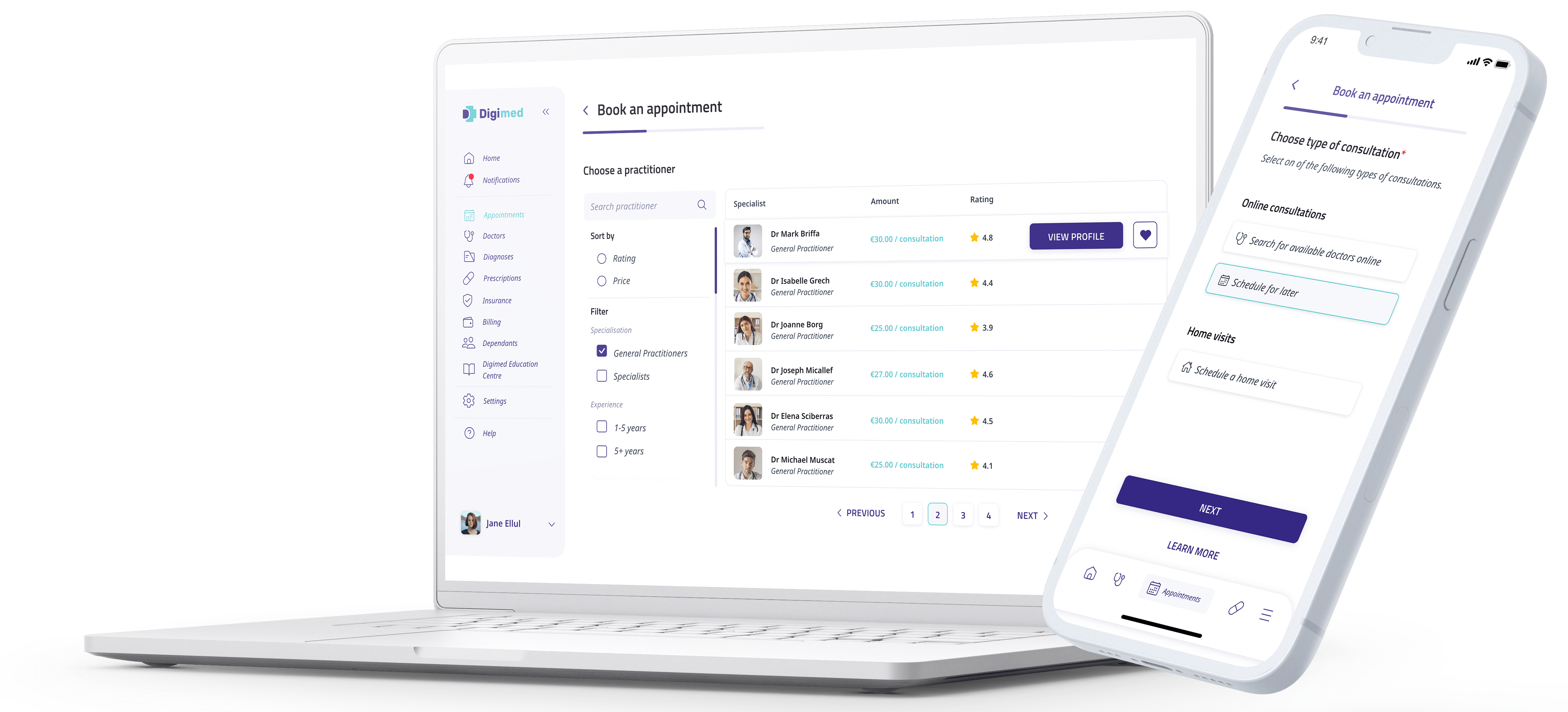
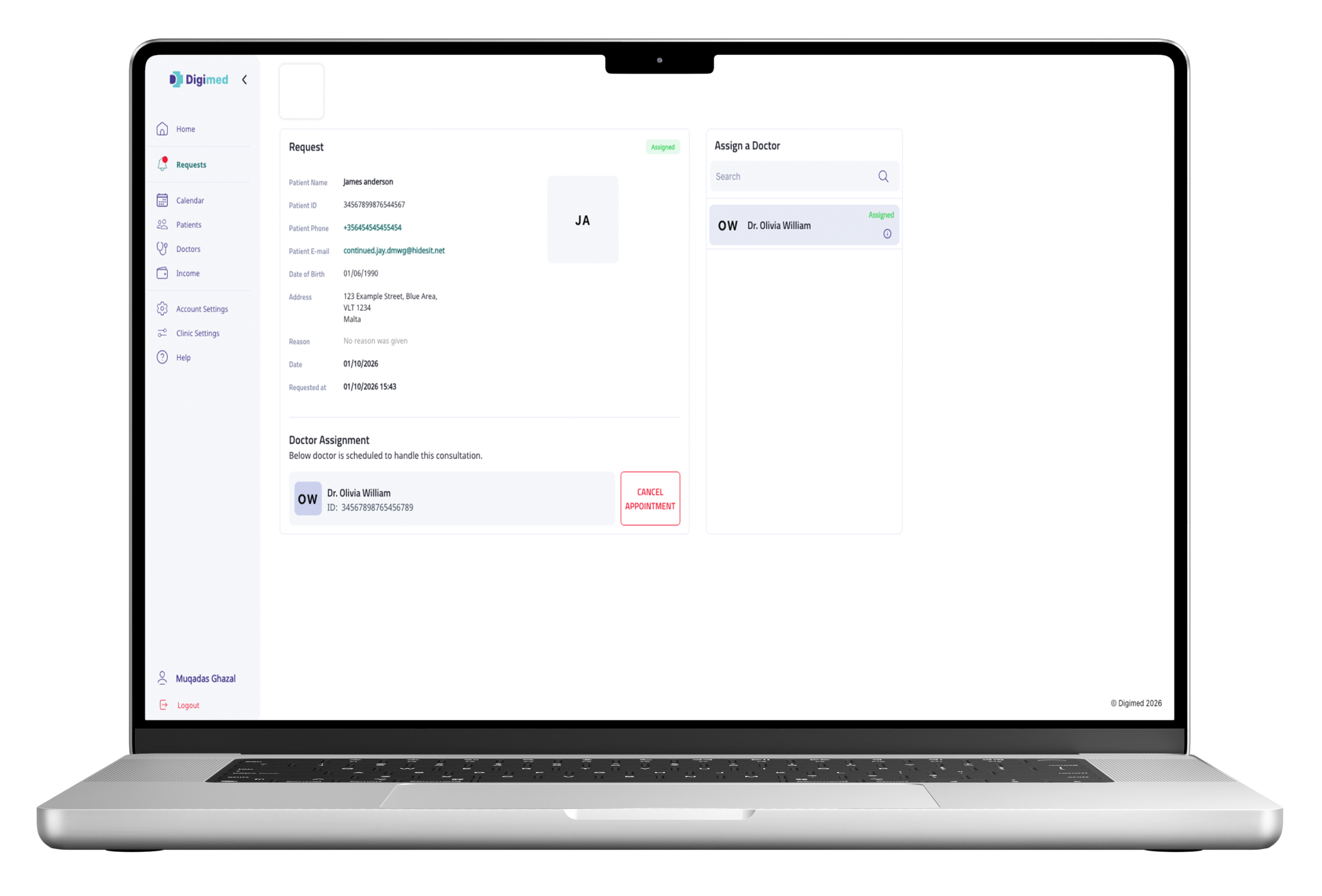
Manage incoming Consultations in One Place
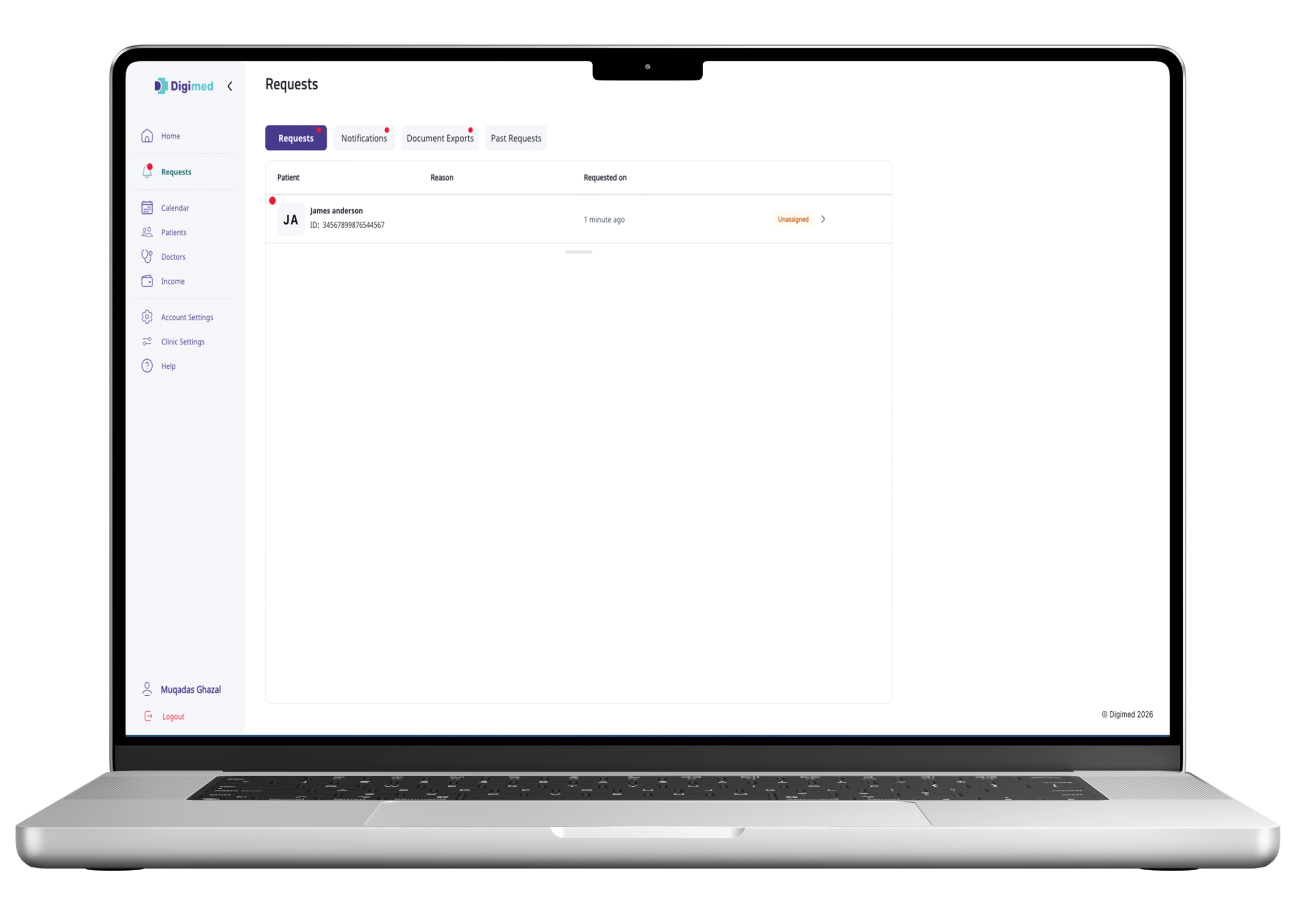
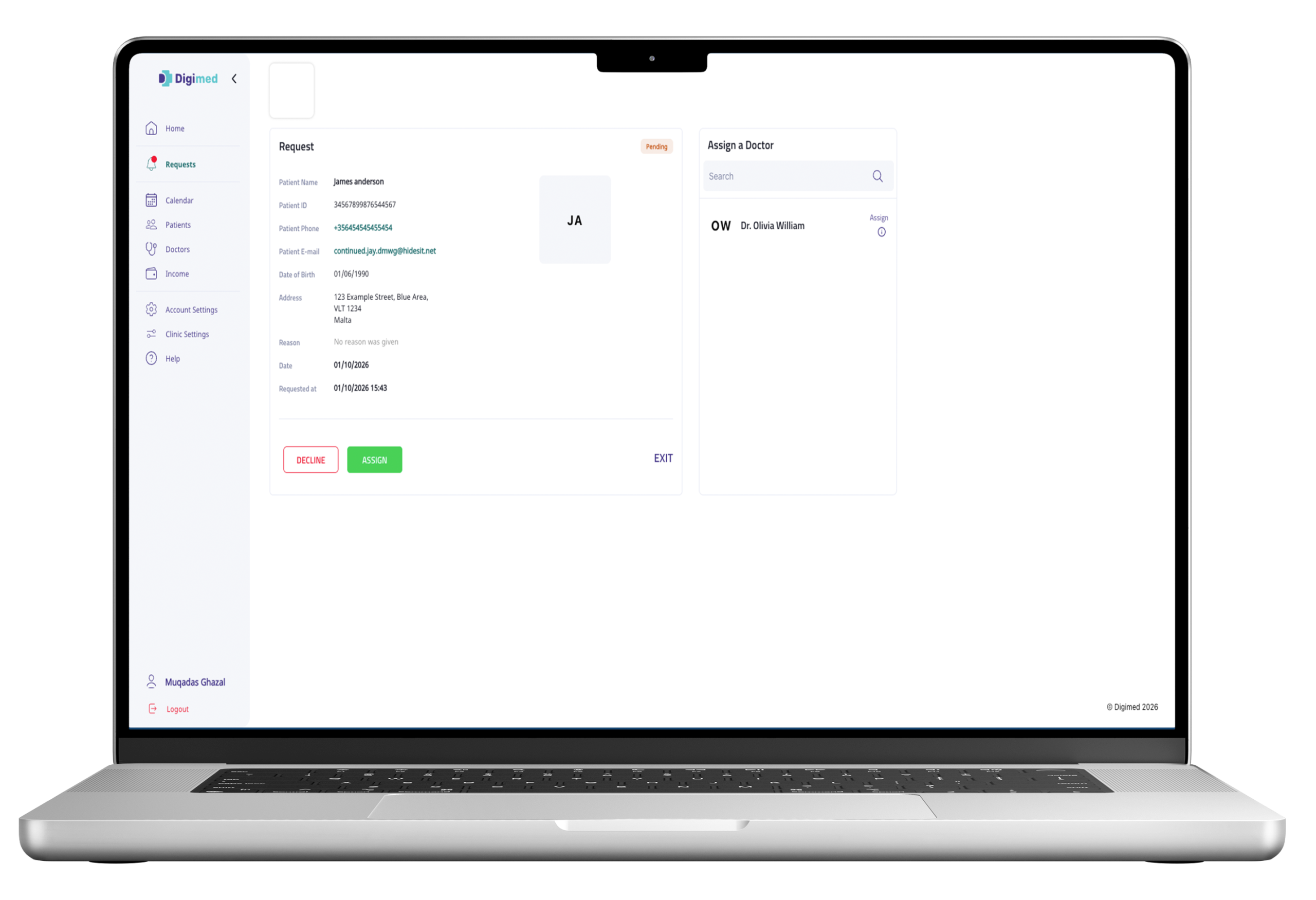
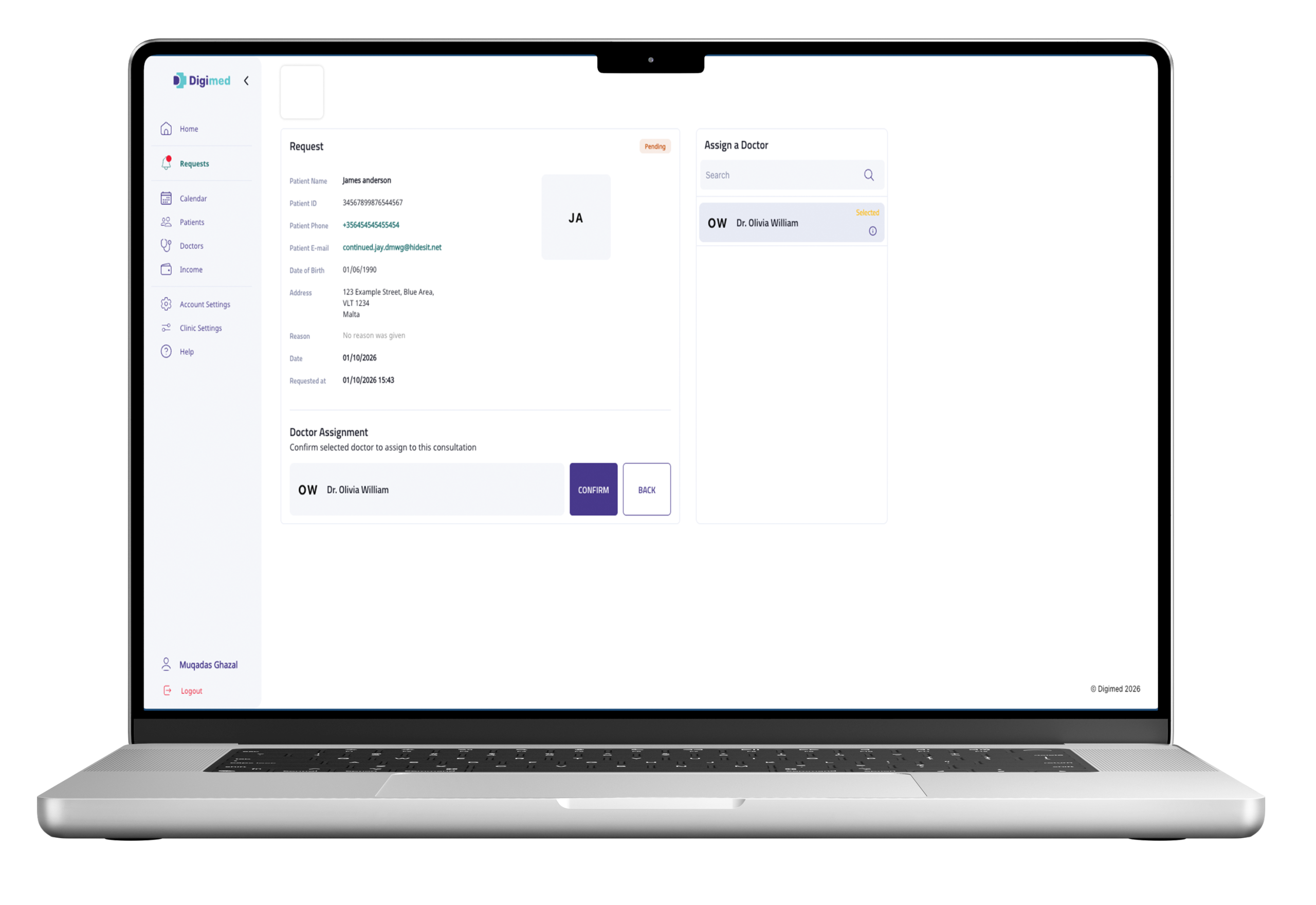
Patient consultation requests routed to the clinic appear in the Clinic Portal. The administrator reviews each request and assigns an associated doctor to handle it.
Request Received
A clinic-based consultation request appears in the portal
Doctor Assigned
The administrator selects an eligible clinic doctor.
Consultation Proceeds
The assigned doctor is notified and proceeds with the consultation.
Control When Your Clinic is Available
Clinic administrators can control the clinic’s operational availability from the portal.
Mark the Clinic online or offline
See whether doctors are available or in a consultation
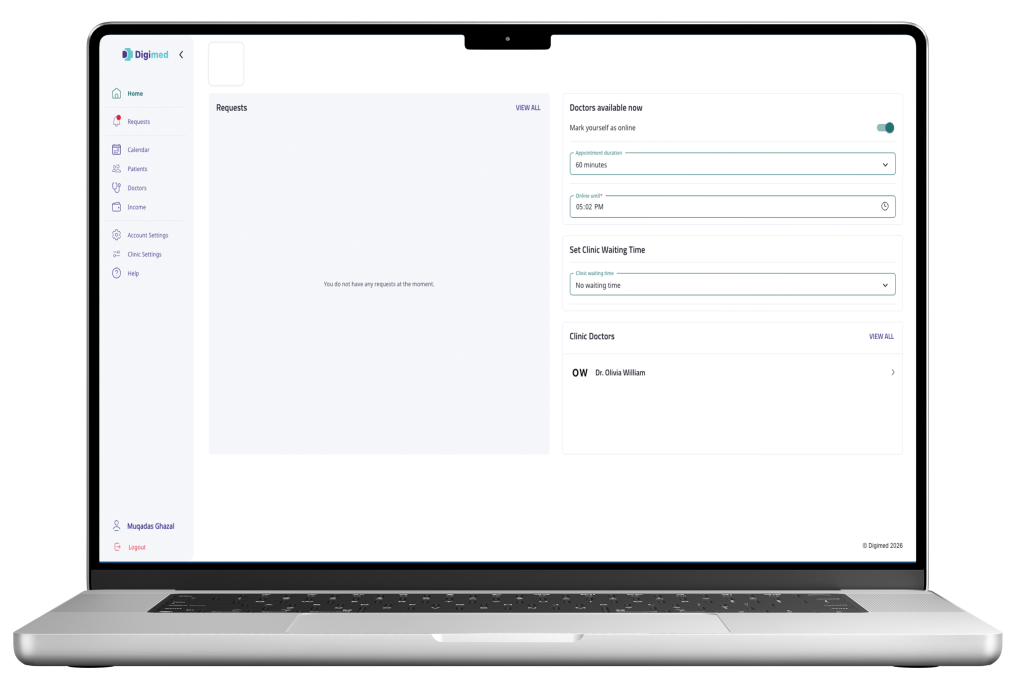
See an availability duration
View doctors associated with the clinic
For on-demand consultations, the clinic must be online to appear as available to patients.
Keep Appointments Organized
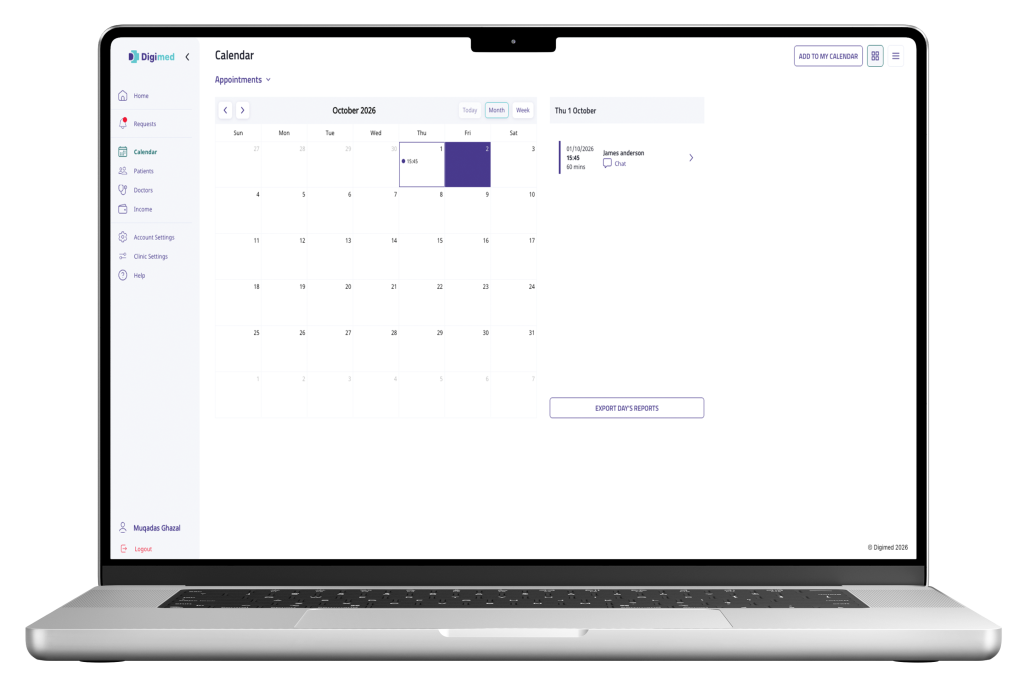
The Clinic Portal calendar gives administrators a structured view of clinic appointments and availability.
View scheduled consultations for selected dates.
Track current, past and upcoming appointments and their status.
Add upcoming consultations to Google Calendar, Apple Calendar or Microsoft Calendar.
Track Clinic Income and Consultation Activity
The Income section gives clinics visibility into earnings generated through consultations handled within Digimed.
Total recorded consultation earnings
Filter by date and category
Appointment totals alongside income
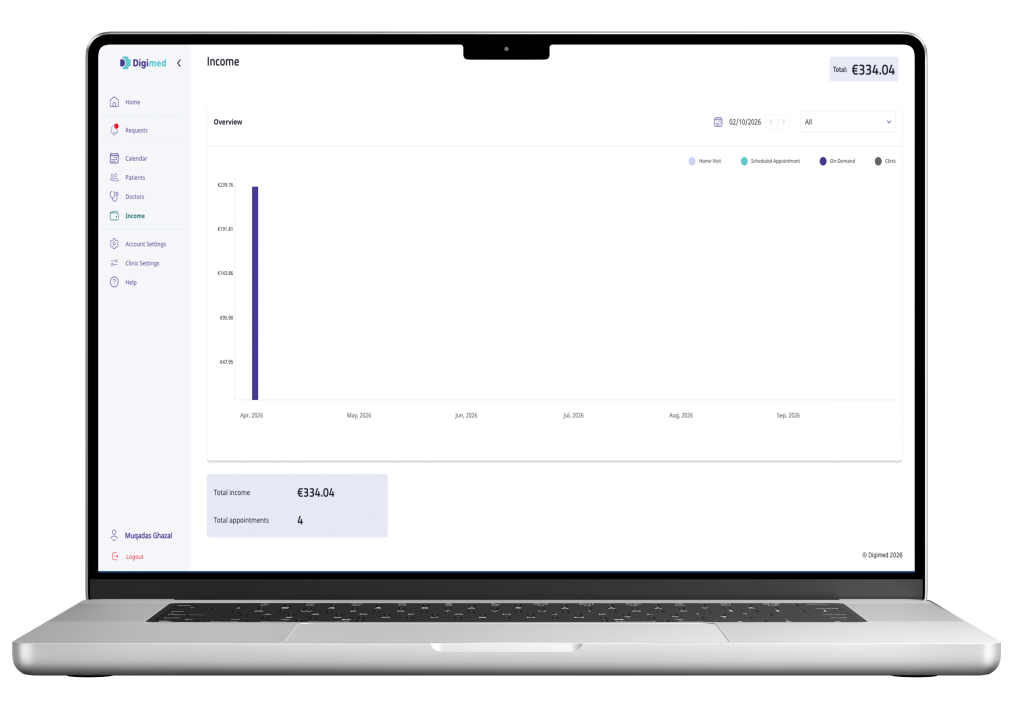
Breakdown across consultation categories
Consultation-level invoices, available to download
Configure How Your Clinic Provides Consultations
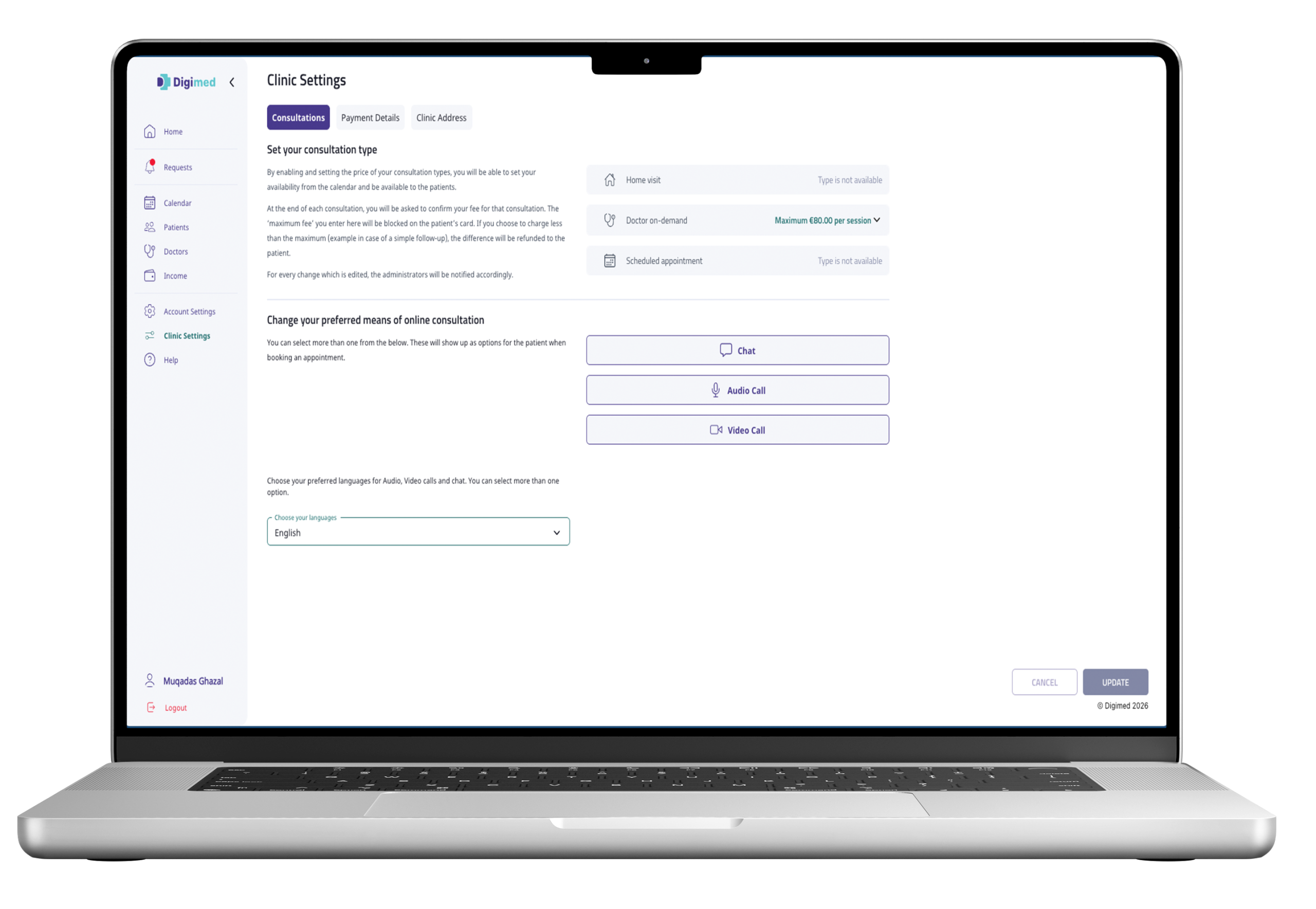
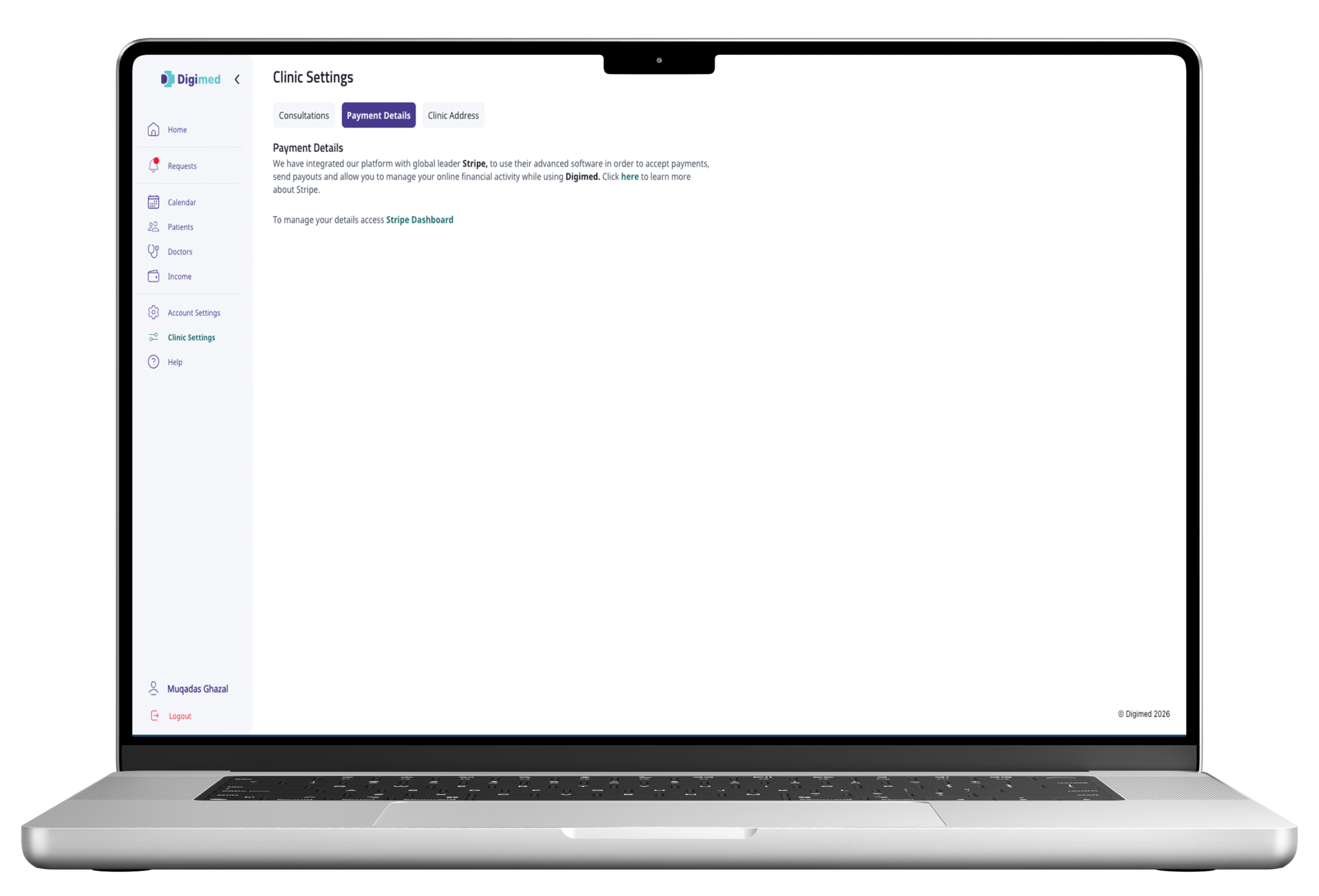
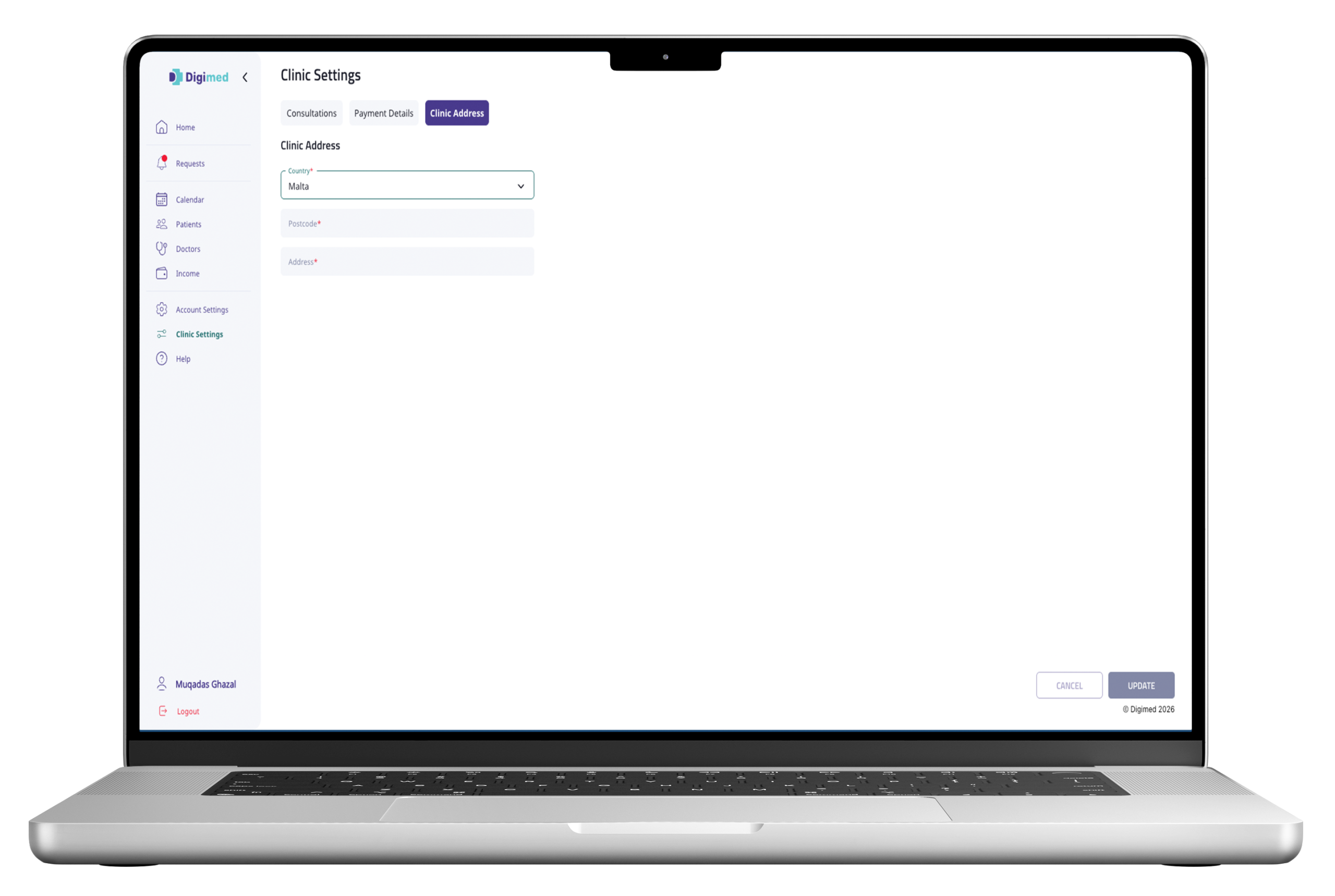
Clinic administrators can configure supported consultation options and patient-facing settings from the Clinic Portal.
Configure the consultation available through the clinic.
Configure the permitted consultation fee settings.
Choose supported methods: chat, audio and video.
Set languages to support patient-doctor communication.
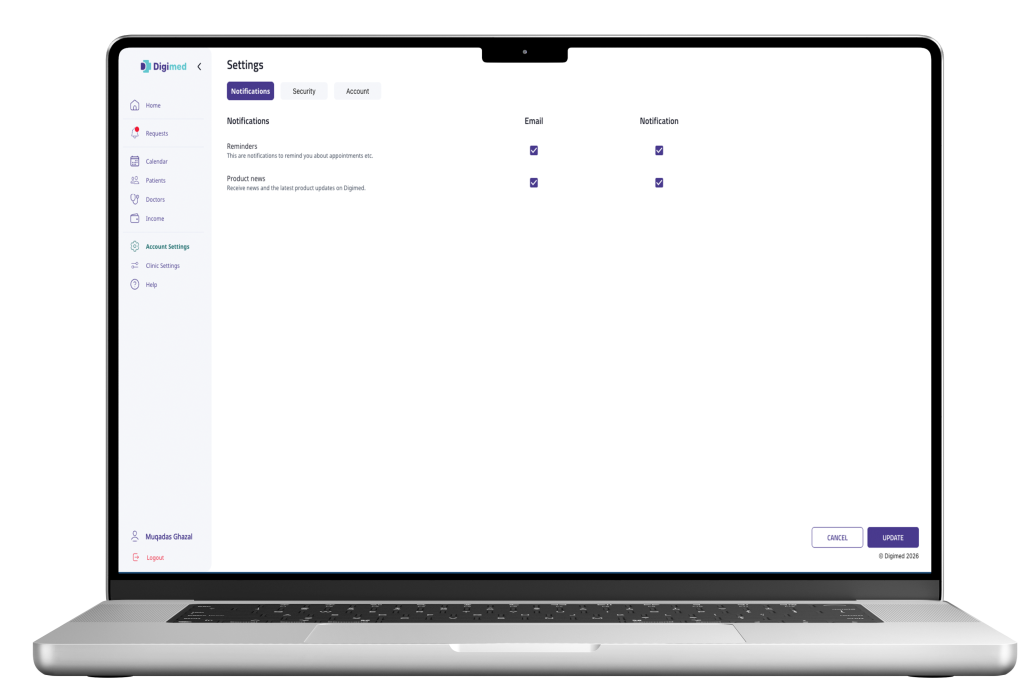
Notification Preferences
Clinic users can manage email and in-app notification preferences for supported reminders and product updates.
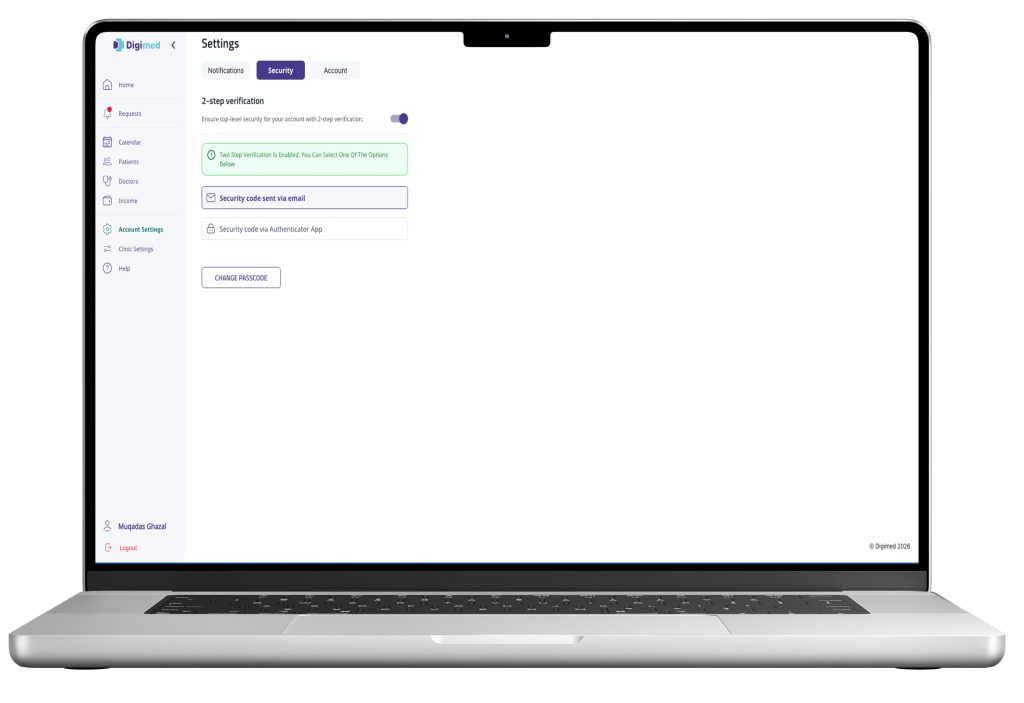
Account Security
Clinic users can enable two-step verification and manage security settings, including verification methods and passcode changes.
How Clinics Get Started with Digimed
Digimed's administration team creates the clinic profile.
An authorised clinic administrator is added and receives an email invitation.
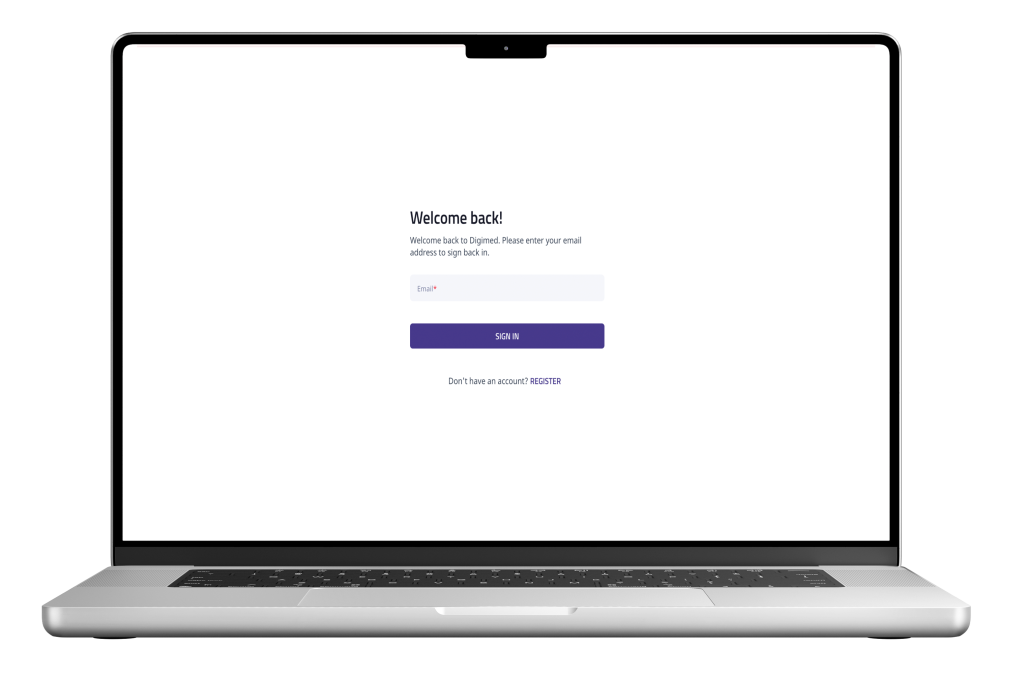
The administrator follows the invitation and creates a secure passcode.
The administrator can access the Clinic Portal and begin managing activity.
Frequently Asked Questions
Find answers to common questions about using Digimed's Clinic Portal, including onboarding, consultation management, availability, patient records and clinic income.
How is a clinic onboarded to Digimed?
Clinics are onboarded by the Digimed administration team. A clinic profile and clinic administrator are created, after which the administrator receives an email invitation, sets a passcode, and gains access to the Clinic Portal.
Can a clinic assign doctors to consultation requests?
Yes. When a consultation request is received, the clinic administrator can assign an eligible doctor already associated with that clinic.
How does a clinic become available for on-demand consultations?
The administrator can mark the clinic online from the Clinic Portal and define an availability duration. If offline, the clinic won't appear as available for new requests.
Can a clinic access patient medical records?
The clinic can access information related to consultations it or its associated doctors have handled. Records outside that scope remain restricted.
Can clinics track income through Digimed?
Yes. The Clinic Portal provides an income overview, consultation-based earnings, appointment totals and invoice history, with filtering and invoice download.
Can clinic appointments be added to an external calendar?
Yes. Supported upcoming consultations can be added to Google Calendar, Apple Calendar and Microsoft Calendar.