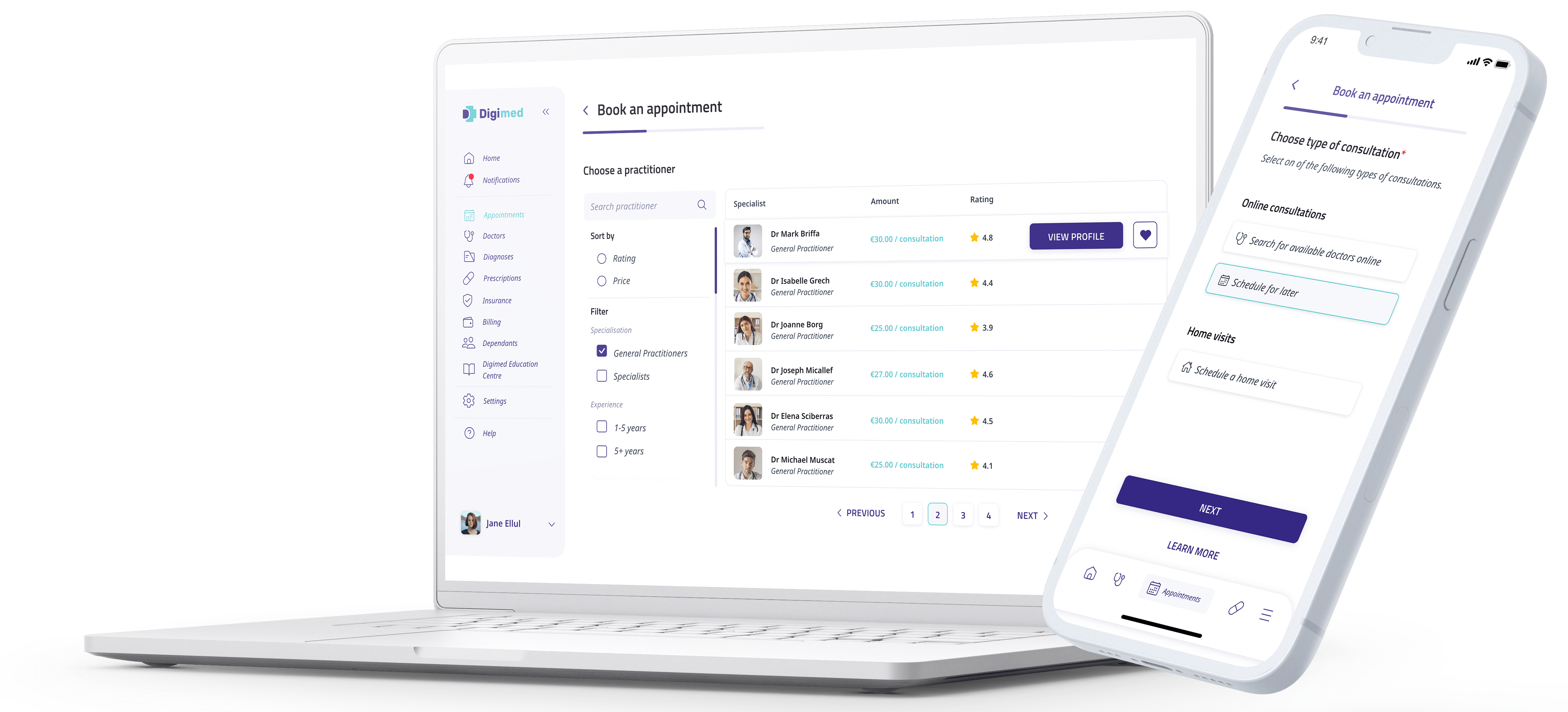
Explore Digimed tutorials and guides designed to help users understand key platform features and workflows. Follow simple step-by-step resources for consultations, account access, reports, security settings, and other Digimed services.
Explore quick step-by-step video guides to help you make the most of Digimed
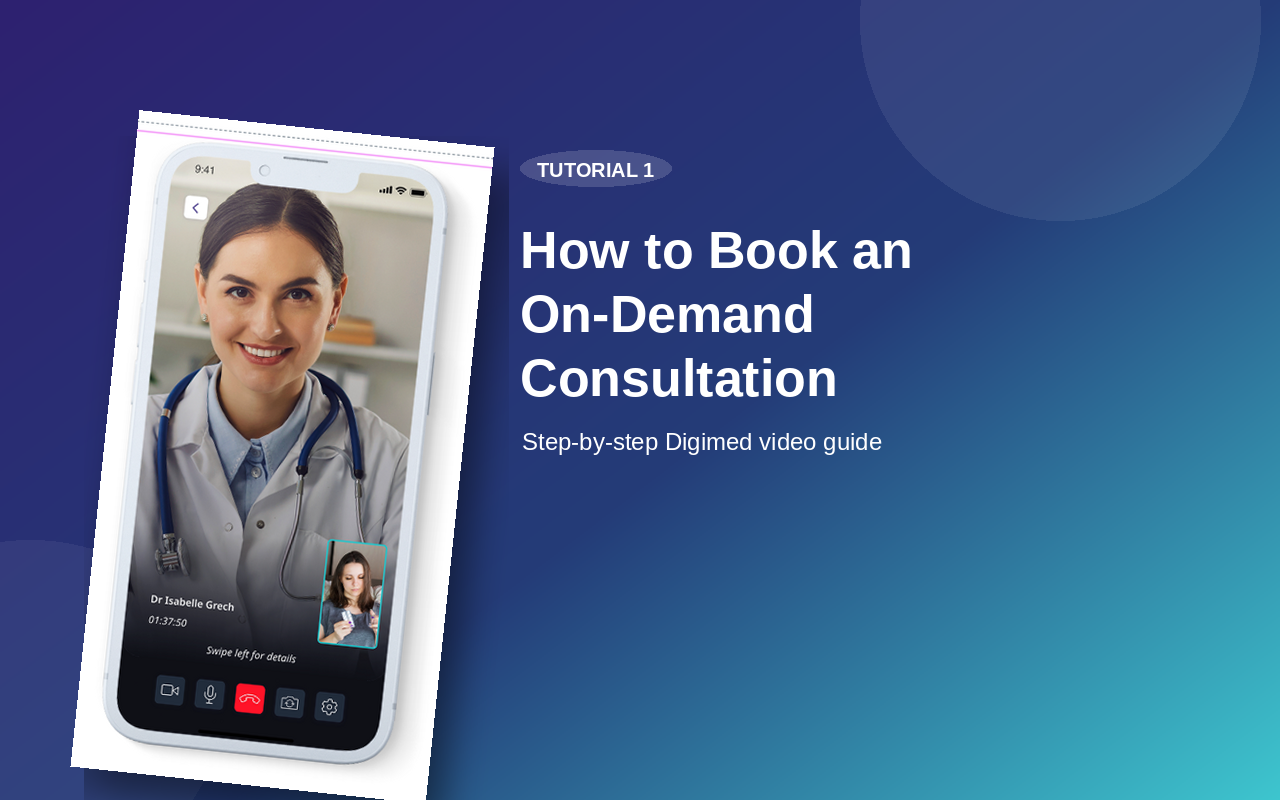
How to Book an On-Demand Consultation
Learn how to request an immediate consultation, choose an available doctor, confirm payment, and join the session through the Digimed app.
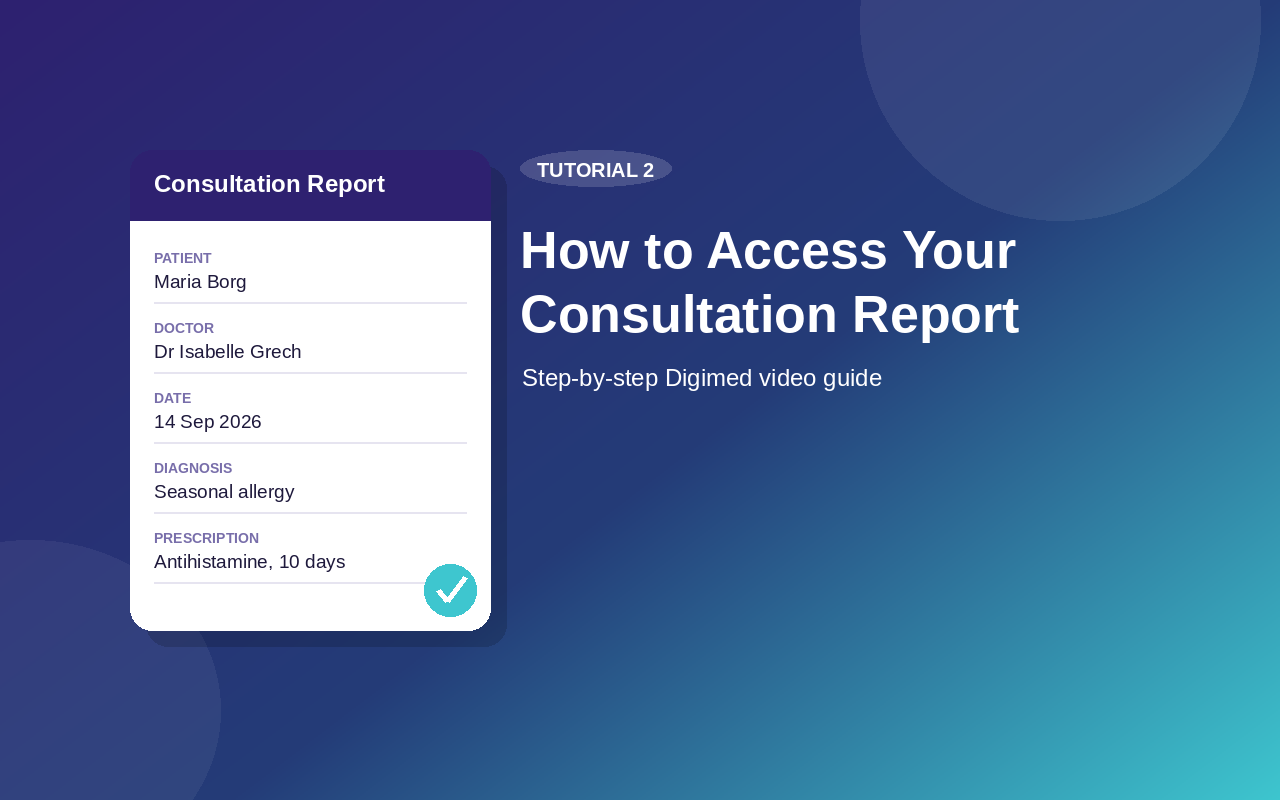
How to Access Your Consultation Report
See how to find your doctor’s submitted consultation report, review your consultation details, and access previous reports from the Diagnosis section.
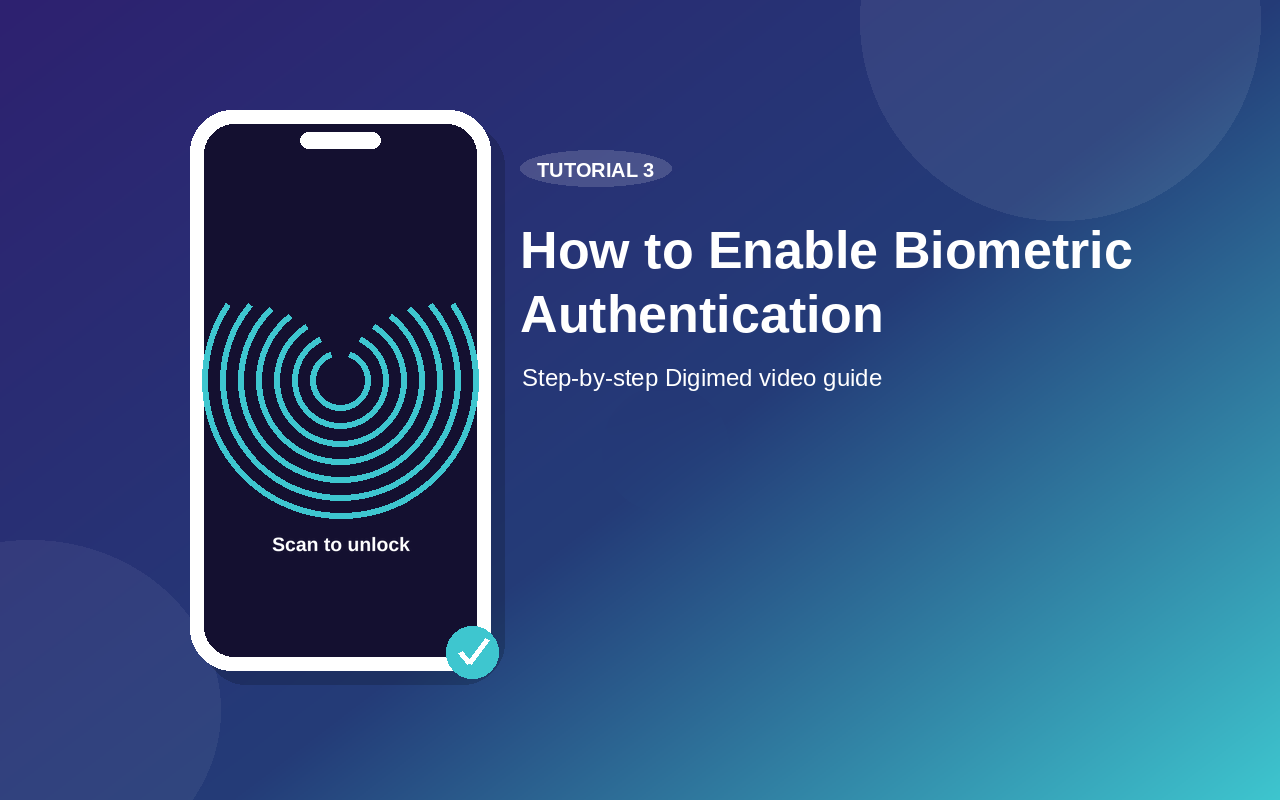
How to Enable Biometric Authentication
Switch from 2-step verification to biometric login for faster, smoother, and secure access to your Digimed account.
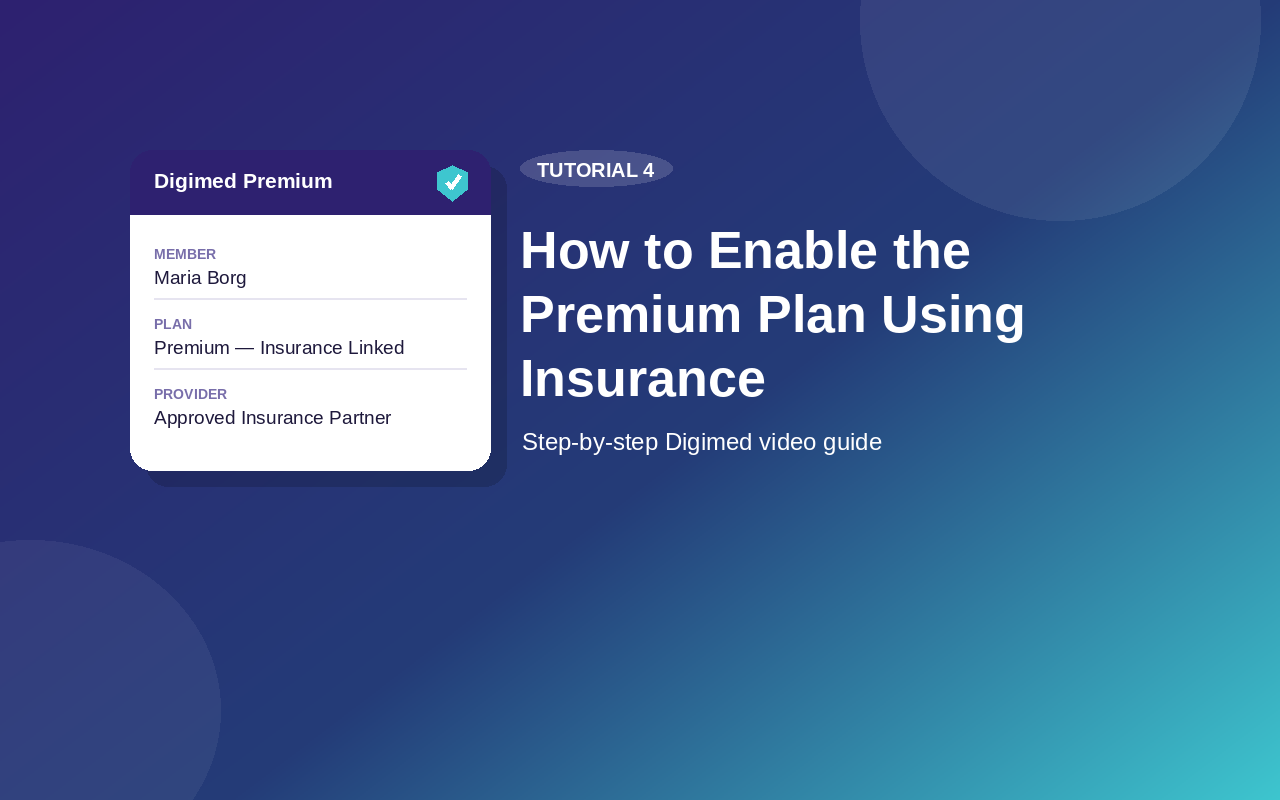
How to Enable the Premium Plan Using Insurance
Learn how to add your insurance details in the Digimed app, save the required policy and bank information, and verify that your account has been upgraded to the Premium plan.
Explore Our Guides
Explore helpful resources designed to guide you through Digimed services and digital healthcare.
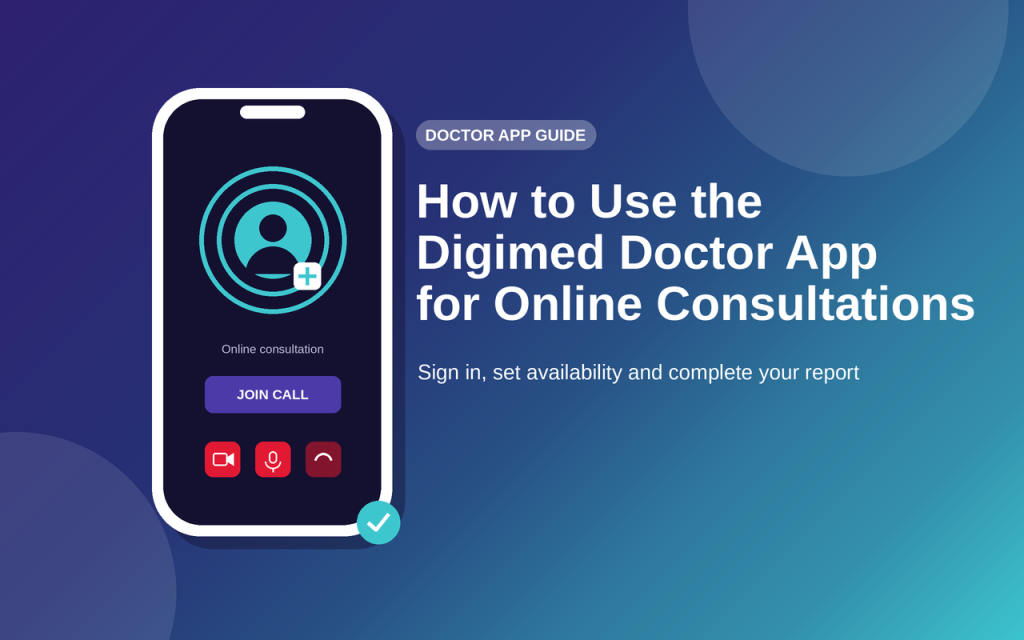
How to use Digimed Doctor App for booking online doctor consultations
Learn how to use the Digimed doctor app for online consultations, including signing in, setting consultation preferences, joining appointments and completing consultation reports.
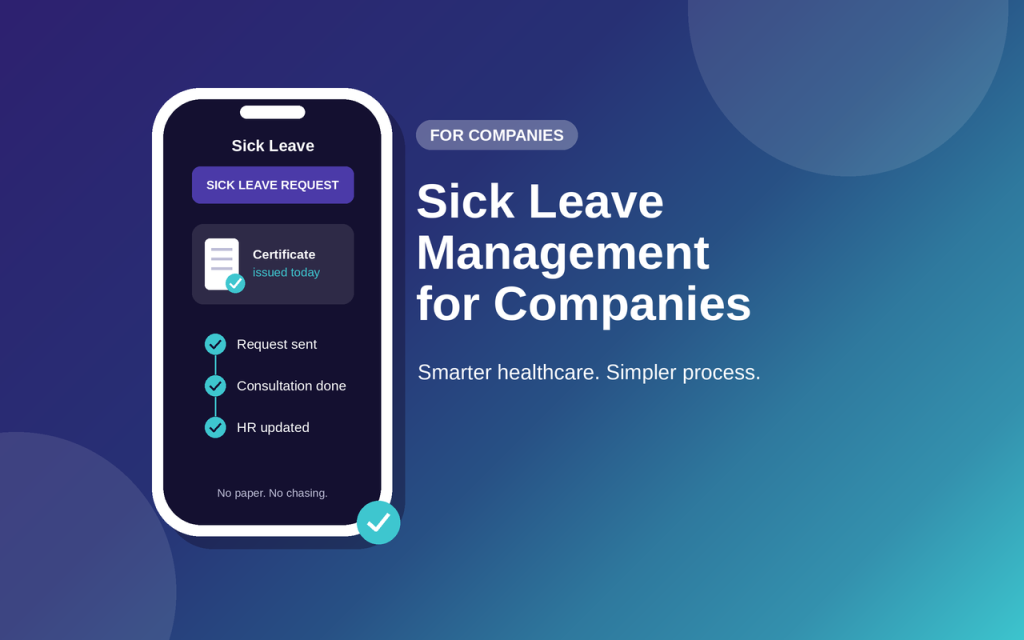
Discover how Digimed helps companies simplify sick leave management with a connected digital process for HR teams, employees, and healthcare professionals, improving visibility, reducing administration, and supporting employee wellbeing.